



Free M365 security check Read-onlyGet your free Microsoft 365 security assessment.
For Sydney businesses with 10 to 70 staff. Find out if your Microsoft 365 is secure with a free Microsoft 365 security assessment, then a one-on-one call with one of our specialists who walks you through your results and what to fix first.
Book your free assessment
Answer a few quick questions. Takes 2 minutes.
- Free, no card needed
- Read-only access
- We check settings, never your emails or files
- You stay in control, no contract
See what's exposed, then decide what gets fixed first.
2 minutes to request, about 10 to approve, then a 30-minute call with one of our specialists.
Tell us about your business
A few quick questions so we check what matters to you.
Approve read-only access
One Microsoft screen. No passwords shared, nothing installed, and your team won't notice a thing.
We check what attackers check first
Sign-ins, ex-staff accounts, email spoofing, devices, outside apps and file sharing: the Microsoft 365 security settings attackers look for first.
Go through your results with a specialist
A scheduled call with one of our team, who takes you through what we found and what to fix first. You decide what happens next.
Microsoft 365 security assessment
25-person professional services firm
Your results, taken through one by one on your call with our team.
The last business we checked had 19 gaps. Nine days later, every one was closed.
A 25-person Sydney accounting firm with IT support already in place. Every gap was a setting left off since day one.
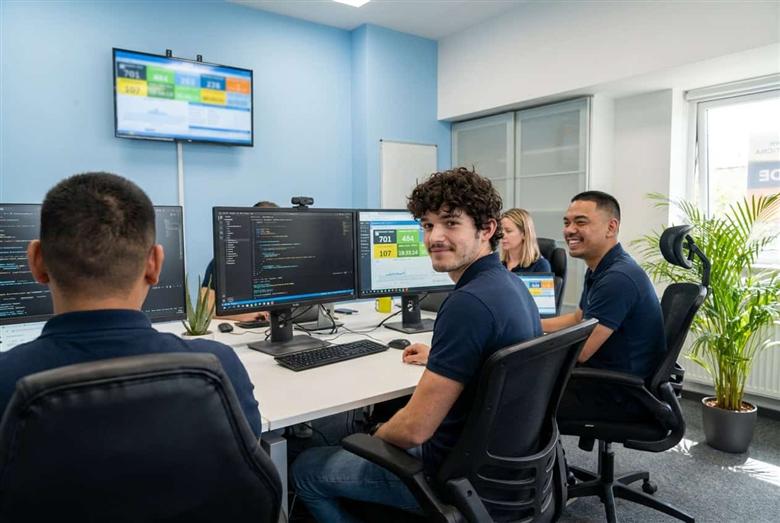
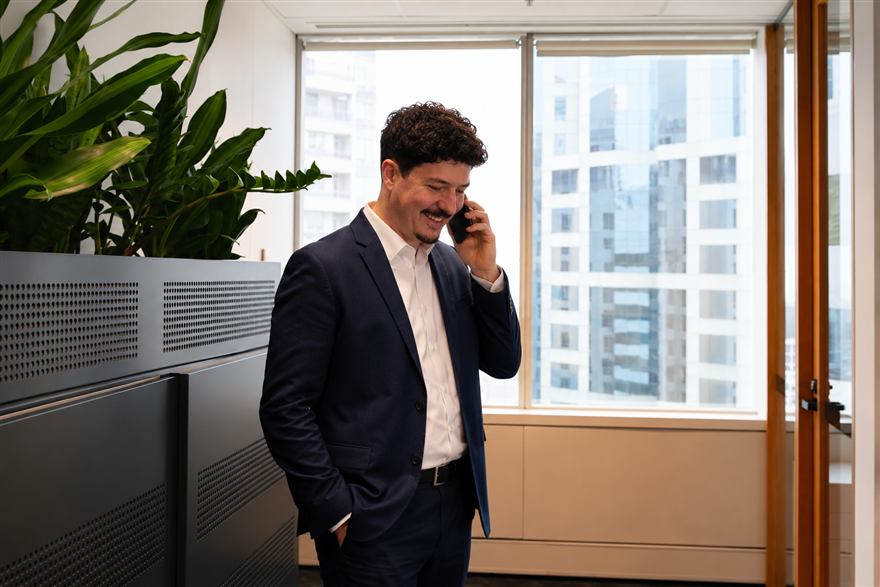
The Sydney team behind your assessment.
Rated 5.0 by 90 businesses.
A small team that tells you straight.
Elscomm is a Sydney managed service provider (MSP). Since 2006 we've looked after IT, Microsoft 365 and cyber security for businesses with 10 to 70 staff.
We offer the Microsoft 365 security assessment free to the kind of businesses we look after. It's often the first time a business works with us. There's no cost and no obligation: you keep the results either way.
The people who run your assessment are the people who'd look after you. If your setup is in good shape, we'll tell you so in writing.
- Managed IT, cyber security and Microsoft 365 under one roof
- Microsoft Partner
- Local help desk, Monday to Friday, 8am to 5pm
- We aim to start on critical issues within 1 business hour

from 90 Google reviews
scored by clients on every support ticket
looking after Sydney businesses' IT since 2006
Our firm has been using Elscomm's expert and professional services for the 18 years since its inception. The quality and reliability of the firm's daily contribution to our business ensures that our systems and software run continually and securely thereby allowing us to provide assurances to our clients about the accuracy and security of their sensitive personal and tax information. Our daily interface with the ATO requires that it's all systems go at all times and Rene and his team have never let us down. I have no hesitation in recommending their services to all firms.
We've had a great experience working with Elscomm. Their team is professional, responsive, and always quick to assist whenever IT issues arise. It's reassuring to know we have reliable support available when we need it, and their focus on security gives us confidence that our systems are well protected. For any business looking for dependable IT support and excellent customer service, I would highly recommend Elscomm.
An efficient, trustworthy and reliable company. They deliver top-notch IT services, take the time to understand their clients' needs, never compromise on security, and are always willing to go the extra mile. I recommend them without hesitation.
Elscomm has been a huge help for our fitness business in Camperdown. When we've had urgent IT issues, they've been reliable and easy to deal with. The whole team is responsive and makes you feel safe from a security point of view. If you're a Sydney business that needs dependable IT support when things go wrong, I'd recommend Elscomm
Best I/T consultant I've used for a long time. Very experienced and solved a problem for us that no one else has been able to solve. Highly recommended. Will use again.
Sydney Osteopathic Medicine has been using Rene at Elscomm for years. They are swift to reply, excellent in their execution of work & extremely easy to communicate with. I would highly recommend them! Thank you guys for all your hard work. We appreciate it & are happy we have found you.
What does a Microsoft 365 security assessment actually check?
Our Microsoft 365 security assessment reads your settings and checks them against recognised security benchmarks, including the CIS Microsoft 365 benchmark and the Essential Eight. These are the six areas we go through with you on the call.
How can you tell if your business is secure?
Straight answers to the questions business owners ask us most before a Microsoft 365 security check.
Is my Microsoft 365 secure?
Not by default. Microsoft 365 gives you the tools, but many protections have to be switched on and kept up to date. In most businesses we check, the gaps are settings that were never turned on, not missing products. A Microsoft 365 security assessment shows which ones are off in yours.
How can I tell if my business is secure?
Start with the basics an attacker tries first: MFA on every account, ex-staff accounts closed, email that can't be spoofed, and devices you still control. If you can't answer yes to all four with confidence, a cyber security assessment is the quickest way to find out.
How do I know if my Microsoft 365 has been hacked?
Warning signs include sign-in alerts from places you've never been, MFA prompts you didn't request, mailbox rules nobody set up, and clients asking about invoices you didn't send. If you see any of these, change the password, contact your IT provider and report it at cyber.gov.au.
Source: Australian Signals Directorate, Annual Cyber Threat Report 2025-26.
Free, read-only, no strings. Your questions, answered.
Is it really free? Why?
Yes, it's free. No card, no contract. The checking is automated, so it costs us little to run. Elscomm is a managed service provider: some businesses ask us to fix what we find or to look after their IT, and that's where we earn our money. Plenty take the report to their own IT provider, and that's fine too.
Will you read our emails or files?
No. You or your Microsoft 365 admin approve read-only access on one Microsoft screen. We look at settings, never messages or files. No passwords are shared, nothing is installed, and you can remove our access in a couple of clicks.
How much of my time does it take?
About 2 minutes to book, around 10 to approve access, then a 30-minute call. Your team won't notice anything: nothing is changed or switched off, and nobody has to log in again.
Do I need to be the IT person to approve access?
No, but the approval has to come from someone with admin rights to your Microsoft 365, usually whoever set it up or your IT provider. We'll send you a link you can forward to them, with a short note explaining what it does.
We already pay someone for IT. Is this awkward?
Not at all. Think of it as a second set of eyes. Most IT support fixes what breaks, and nothing breaks while a protection is switched off, so it often goes unnoticed. You can share the report with your provider.
What happens if you find problems?
You get a short list in order of importance. Fix them yourself, hand them to your IT provider, or ask us for a quote. Nothing happens without your say-so.
I'm not technical. Will I understand it?
Yes. You're not left to read a report on your own. One of our specialists talks you through it and answers your questions. If we use jargon, we haven't done our job.
Are we too small for anyone to target?
Being small doesn't hide you. Most attacks are automated and look for switched-off settings, not company size. It usually just means nobody has checked.
Is the call a sales pitch?
No. It's 30 minutes explaining what we found and what to do first. If you're in good shape, we'll tell you that in writing.
What is an IT audit?
An IT audit is a review of your IT systems, settings and processes against a standard, to find security gaps and risks. A full IT audit covers everything from your network to your policies. Our free Microsoft 365 security assessment is a focused security audit of the system most businesses rely on most: email, files and sign-ins.
Is this a full cyber security audit?
No. Our free Microsoft 365 security assessment is a read-only check of your Microsoft 365 security settings, with the results talked through on a 30-minute call. A full cyber security audit or risk assessment goes wider, covering your network, devices, backups, policies and staff, and is usually needed for compliance, insurers or larger clients. Most businesses start with Microsoft 365, because that is where email, files and sign-ins live. If you need a full audit for compliance, we'll tell you on the call.
Is this the same as Microsoft Secure Score?
No. Secure Score is Microsoft's own built-in measure in your Microsoft 365 admin tools. Our assessment checks your settings against recognised security benchmarks, puts the results in plain English and in order of importance, and a specialist walks you through them.
How often should we check our Microsoft 365 security?
At least once a year, and again after big changes: staff leaving, a new IT provider, an office move or before your cyber insurance renewal. Settings drift over time, so a gap that was closed last year can open again.
Sources: Australian Signals Directorate, Annual Cyber Threat Report 2025-26 (average self-reported cost of cybercrime per report). Ratings: 5.0 from 90 Google reviews; 98.9% client satisfaction scored on support tickets. Last reviewed November 2026.